
-
Pepper Fetch

-
English Bay Clouds

-
Friday Mixtape 032 is Up
-
How To Post to Flickr and Twitter at the Same Time
UPDATE:
This post is ancient old (september 2009). The best way to do this now is IFTTT.
Tired of using Twitpic? Try this:
- Go to your email account settings on Flickr: http://www.flickr.com/account/?tab=email
- Find the Flickr2Twitter upload email address.
- Now email a photo or video to your unique Flickr2Twitter email address and the photo will upload to Flickr and a tweet will be sent to twitter with a link to that photo on Flickr.
The Subject line of the email will be BOTH the Flickr photo title and the Tweet.
You’ve only got about 116 characters for your actual Tweet because the rest will be a short Flic.kr URL itself.
You may also want to check out your upload by email settings to make sure your tags and privacy settings are correct as well:
Word to the wise: Be aware of geolocation settings on your iPhone… Flickr automatically picks up the EXIF data in your photos so if you have location services on for photos on your iPhone they will automatically show up on your Flickr map… You wouldn’t want to tell everyone where you live!? Or would you…
Also if you want to migrate from Twitpic to Flickr use this Twitpickr. (limited to yur last 25 pics)
-
A Year in Tweets
Here are all the photos I put on Twitpic this year. Click on each photo to view it a little bigger.


-
Beethoven’s 5th Symphony Visualized
Stephen Malinowski created this amazing visualization of Beethoven’s 5th Symphony. Each color represents an instrument.
[YouTube | Also check out this video]
-
Flip Mino HD Review
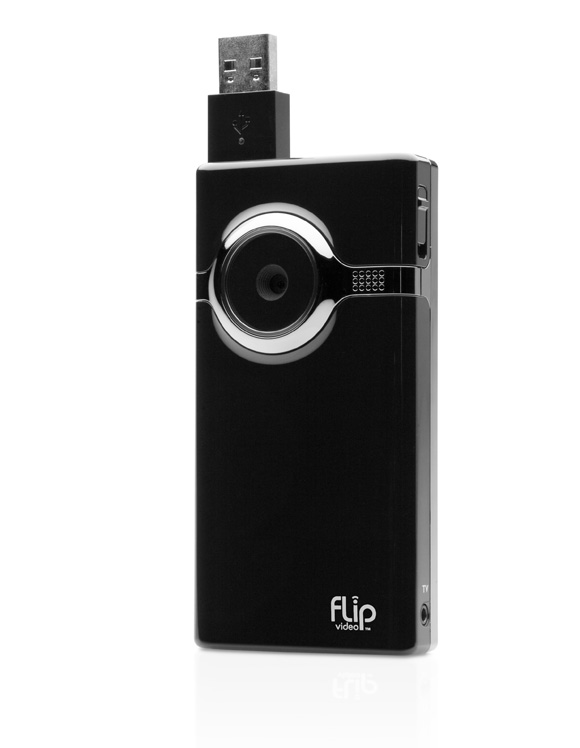
I’ve stopped holding out for the perfect video camera and purchased a Flip Mino HD camcorder. At some point I decided it was better to have low fi videos of my life than to have none. Full res 1080p videos that don’t exist aren’t very fun… So here’s a couple quick thoughts on the Flip Mino HD:
Shooting Video with the Flip:
The mino is very easy to use. All you have to do is push the giant red button and you’re shooting video. There are no settings and that is an awesome feature. You can toss it in your pocket and go because it’s super light small. It’s so easy to use that I’ve started using it to send that you videos instead of thank you notes… It’s perfect for little off the cuff youtube style videos.Quality:
The quality is crap. Get over it and have fun with it instead. For those who want to know the lack of image stabilizer really hurts the the quality of the video on playback. If you need to shoot some quick video and put it online quickly this is the best solution for you. If you need super high quality video that will be viewed on large screens get something else.FlipShare Software:
The software installs right off the device itself. No install disk bullshit, no drivers, none of that crap. It’s a huge plus to be able to get going quickly.Pros:
- No tape
- No capturing
- Easy Uploading
- Small
- Easy
- It’s fun to have lots of video
Cons:
- No image stabilizer
- No HDMI
- The screen is low resolution
- The buttons don’t work very well
Conclusion:
It’s amazingly rare to find a piece of technology (excluding Apple products) that has good hardware-software integration or whatever that’s called. 99% of the time the device kicks ass and the software is complete shit. In this instance both the device and the software do exactly what they should and nothing more. What’s even more rare is something simple and fun to use with no feature bloat, yet. -
My HDR Photographs
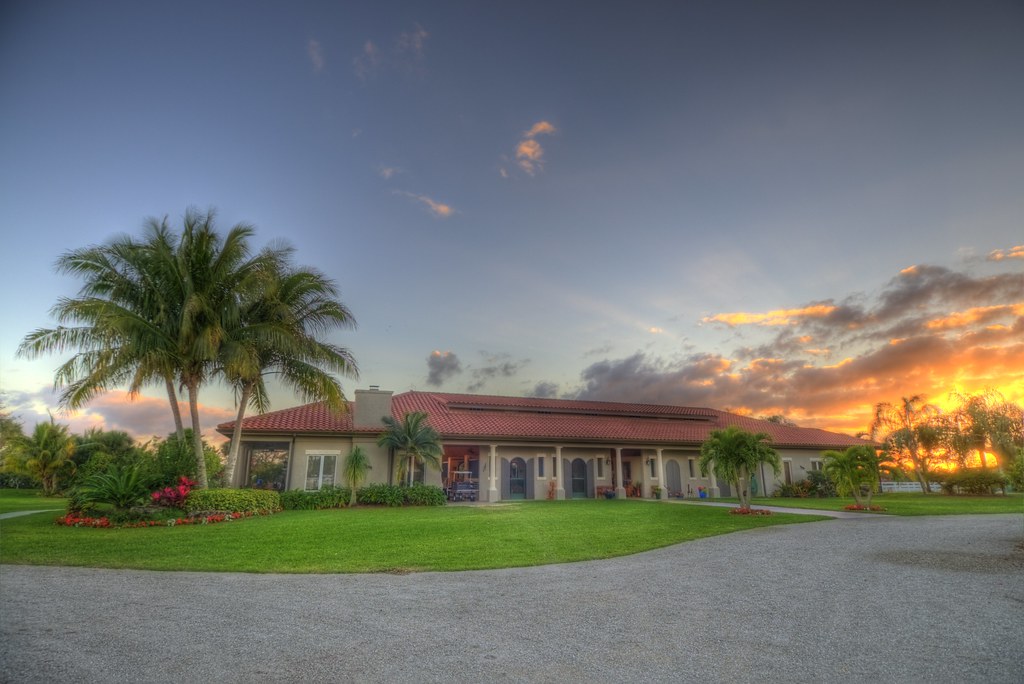
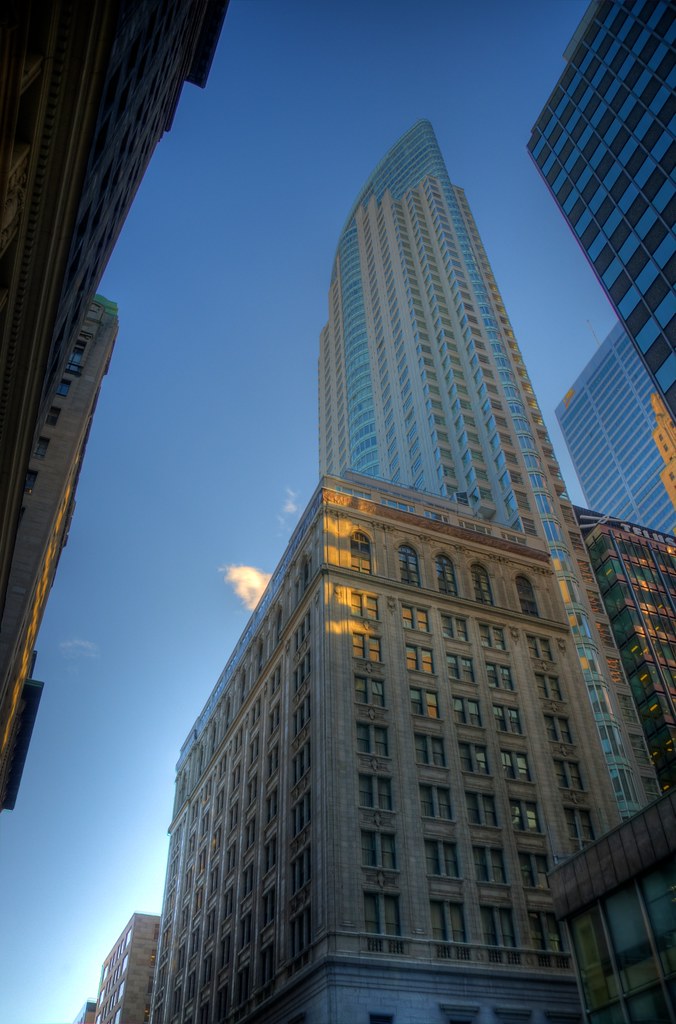
Here are some High Dynamic Range photographs I’ve taken. Click on any photo to see it on Flickr.









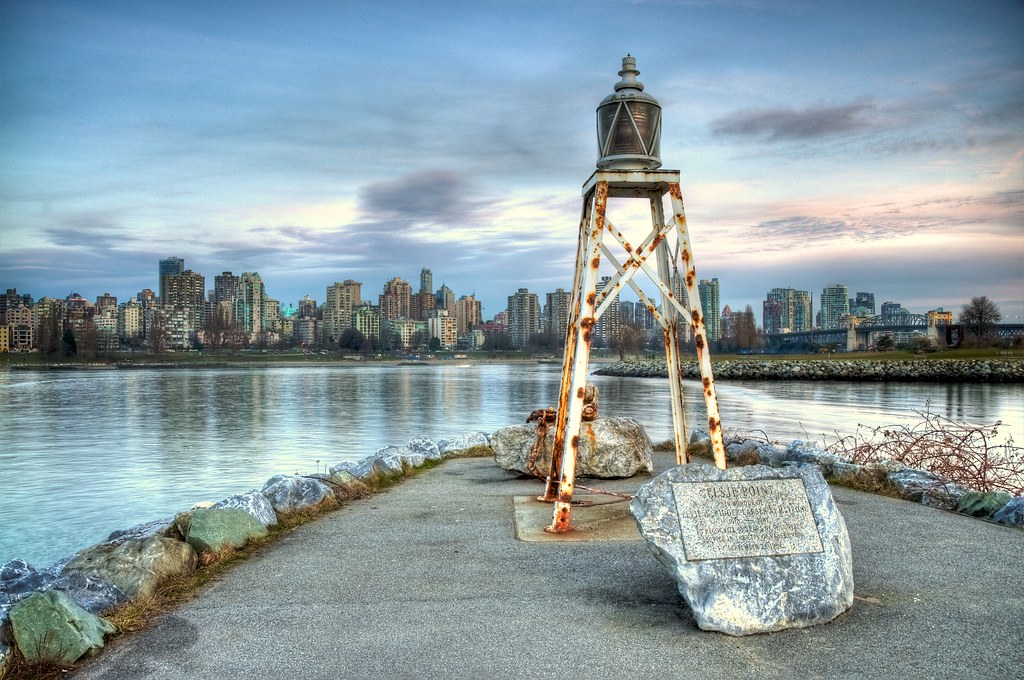





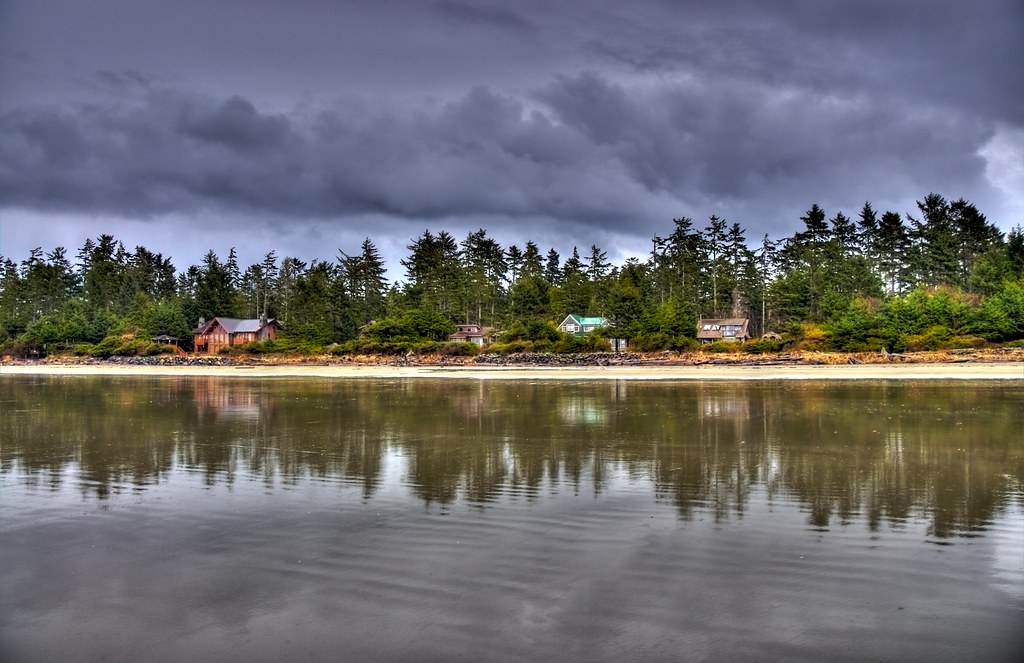


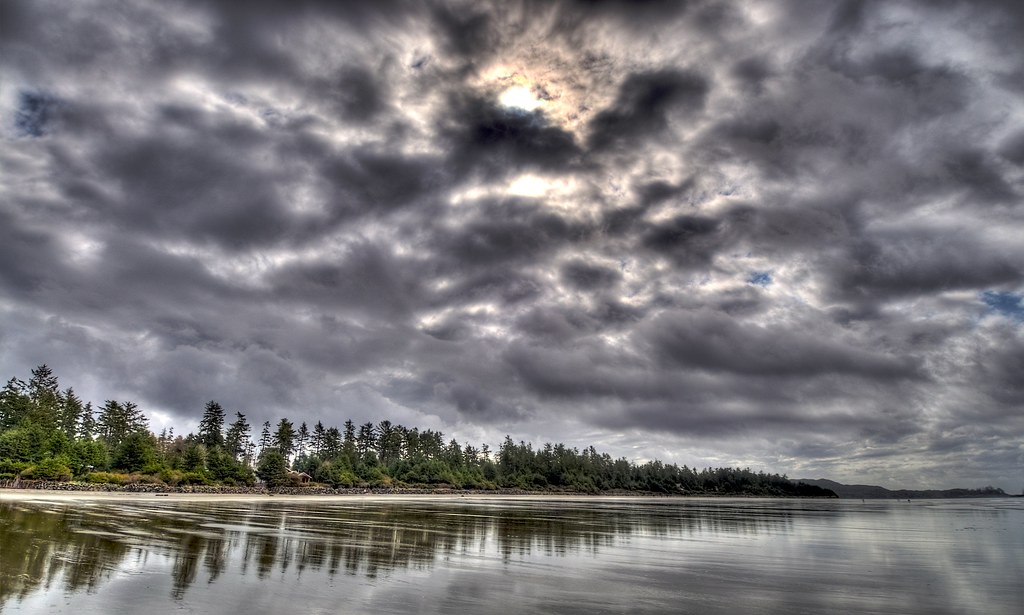



[Flickr]
-
Blogging again
I’m having fun blogging again. I’m not worrying about what anyone thinks, or how bad my writing is… I’m just putting stuff out there that I find interesting. Kinda nice.
[photo by ishrona]
-
On Task Batching
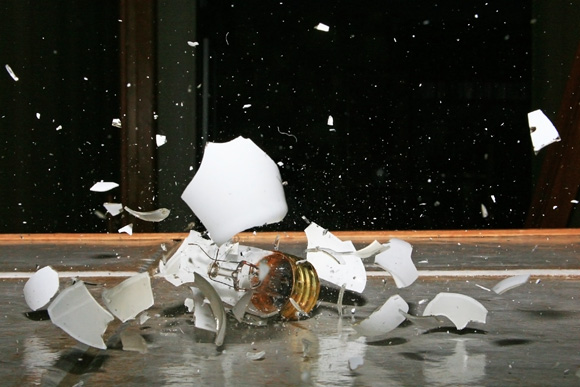
Here’s a little ‘pro tip’ for you:
Batching
If you’re not already, start task batching stuff you need to get done as much as possible. Do you empty your garbage each time you put a piece of trash in it? Do you do your laundry every time you toss a dirty item into it? Obviously not. It’s clearly a waste of time in these cases because of the time it takes to switch back and forth from task to task.Saving Time
Think about this in terms of basic productivity. Are you reading and responding to emails and calls as they come in? Does it take away from the work you are doing at the time? You might want to start batching that stuff and then attack each batch with the agility of a ninja. Think about batching your errands, emails, calls, meetings, bills, etc etc.. It will save you time and will help you focus properly on what you actually want to be doing instead of being constantly disrupted by inbound stuff. If you’re not task batching you might as well be taking out the trash every time you get a new email.This dovetails nicely with inbox zero, and GTD.
[Photo by laszlo-photo]


