-
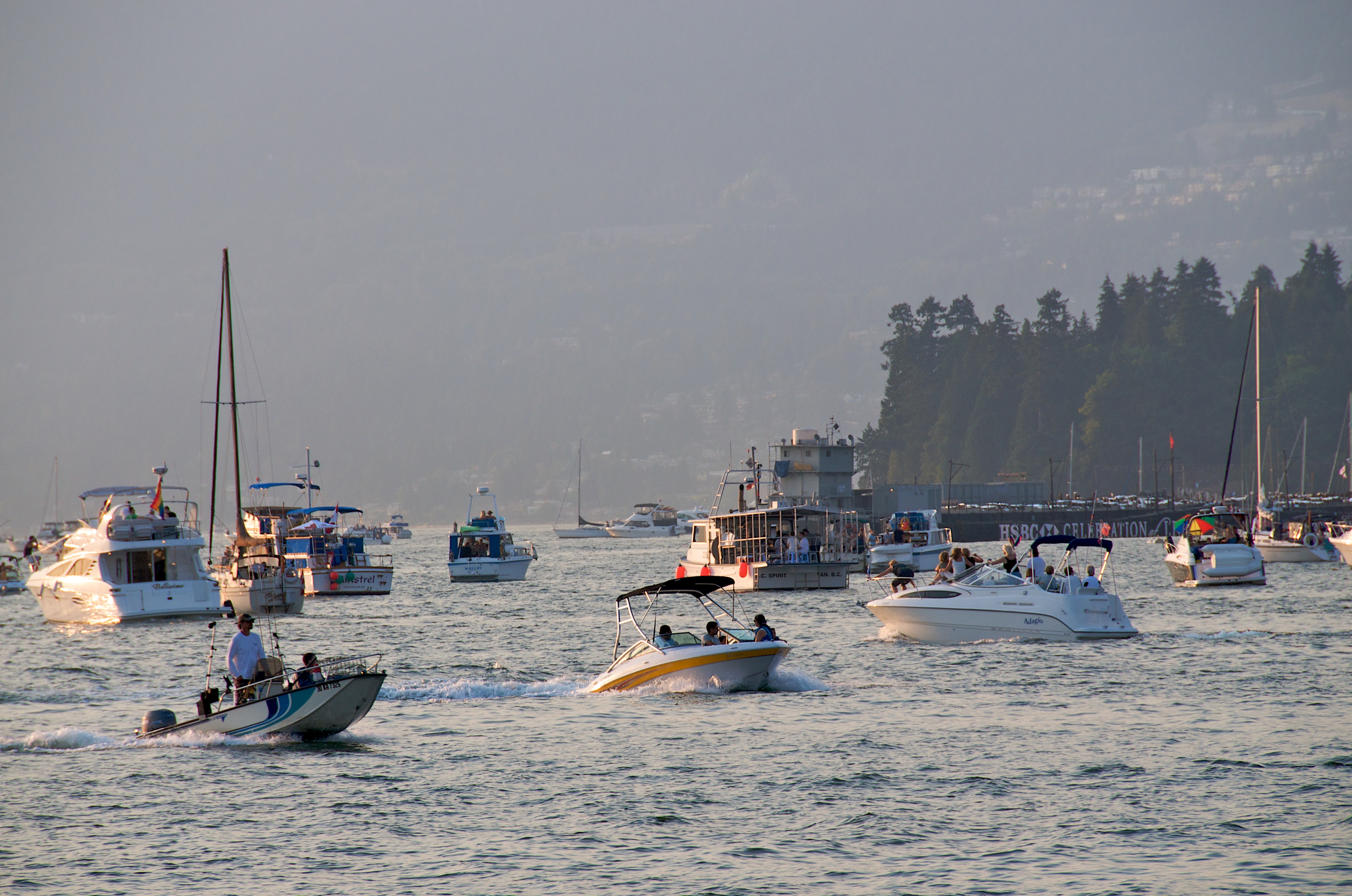
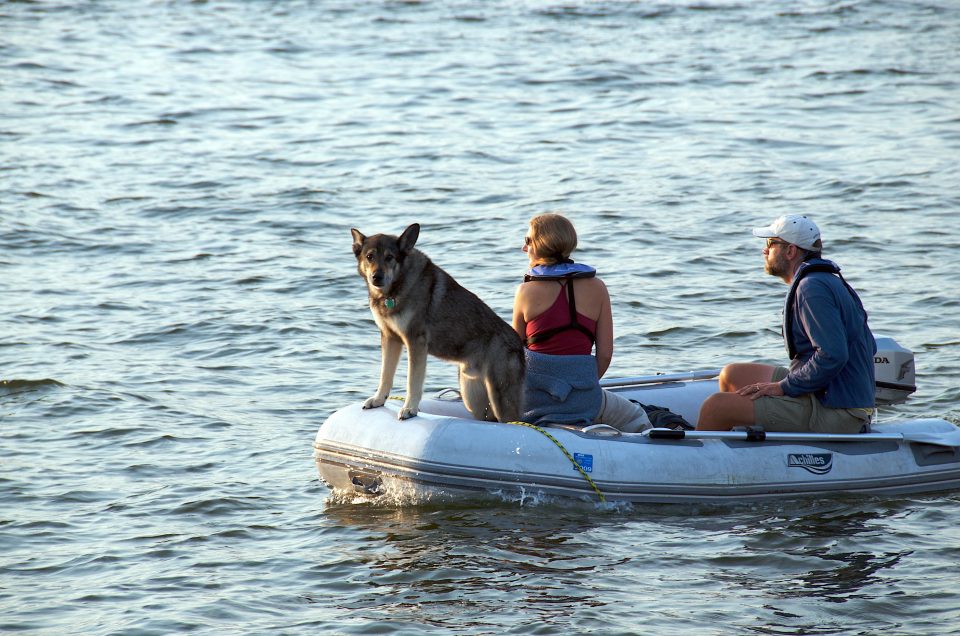
Celebration Of Light 2009 Team China
-
Celebration Of Light 2009 Team China
-
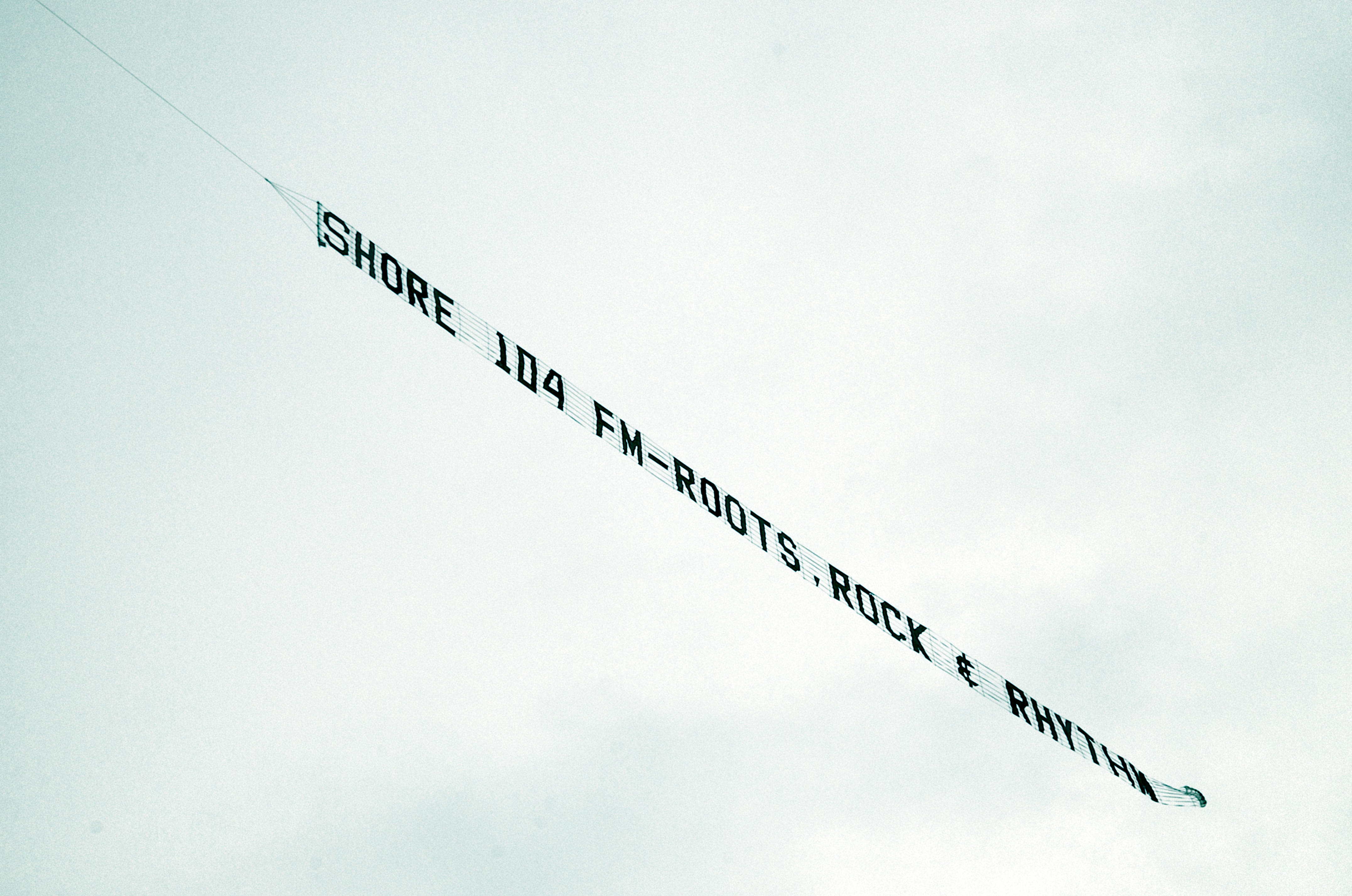
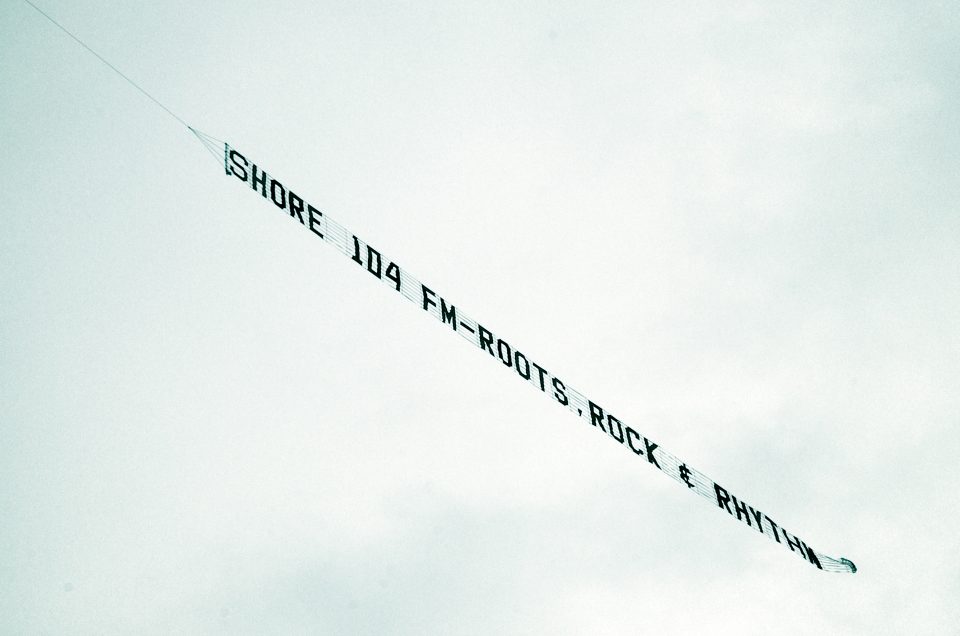
Advertising Works
-
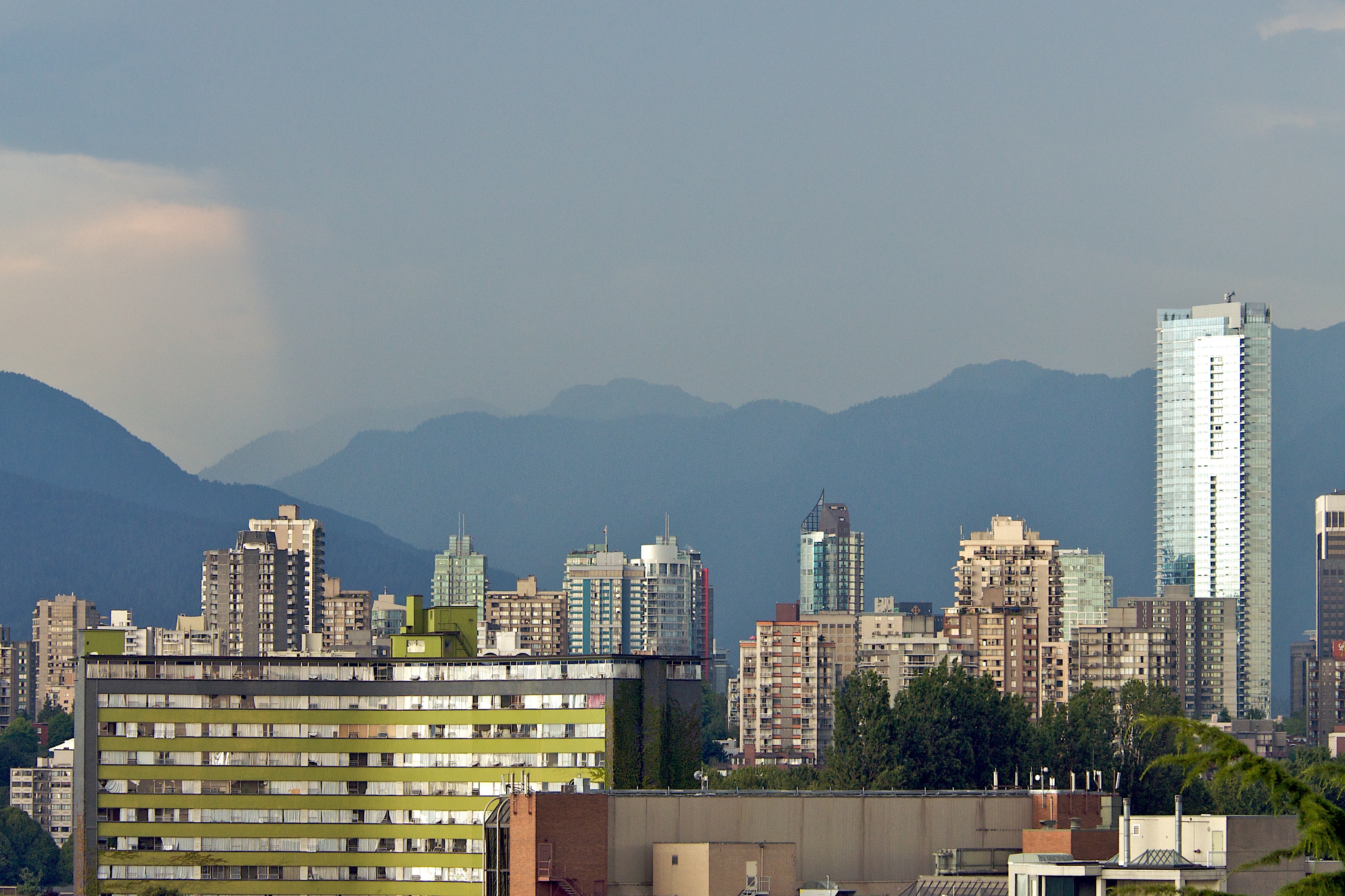
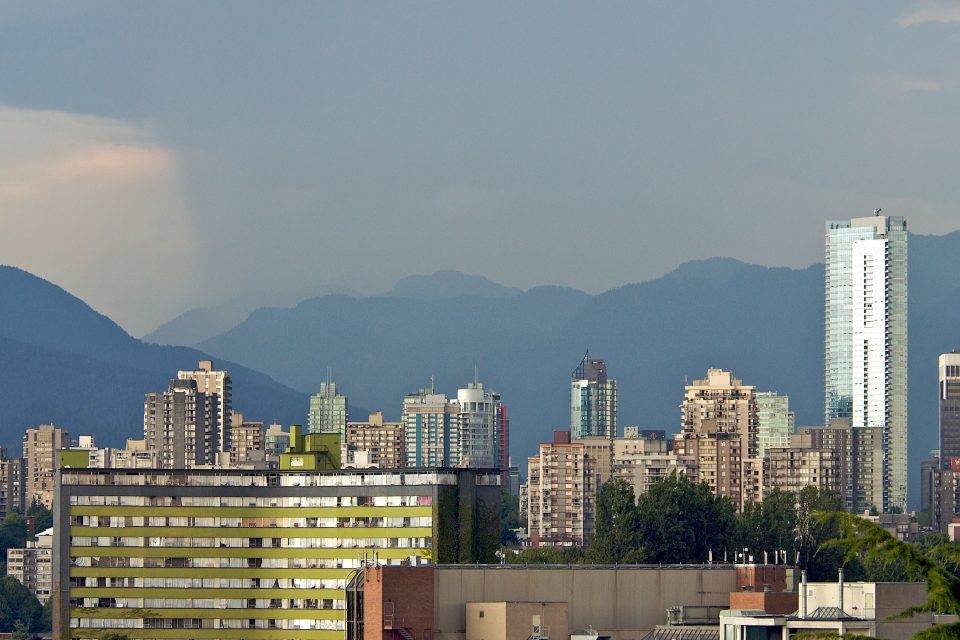
Wall Of Rain
-
Redhead

-
Sunset

-
Friday Mixtape
New Friday Mixtape is up. Take a listen over here: http://FridayMixtape.com
-
How To Keep Cool During a Heat Wave
- Drink slurpees and smoothies
- Eat freezies
- Drink lots of water
- Open all doors and windows
- Keep the air flowing
- Wear loose fitting light colored clothing
- Have someone blast you with a super soaker
- Take a wet towel and wrap it around your neck
- Go swimming
- Streak through the sprinklers with your junk hanging out
- Do Souljaboy’s superman dance, underwater
- Add water to anything, your clothes, your bathtub, your mullet
- Have a waterfight
- Get sweaty and sit in front of a fan
- Eat spicy food because it will make you sweat and sweat cools you off
- Wear a hat
- Go downstairs
- Turn off your gadgets and computers
- In fact turn off any electronic heat sources
- Find shade
- Meditate or sit still
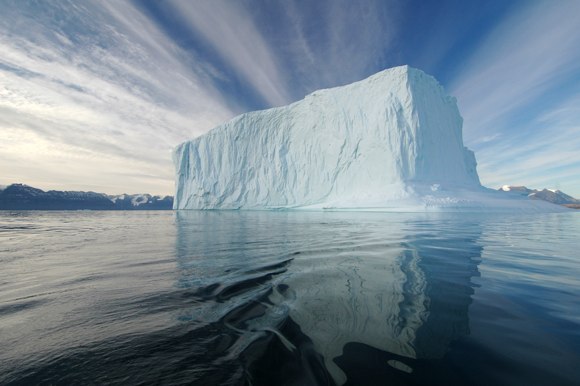
According to Wikipedia a Heatwave is:
“…a prolonged period of excessively hot weather, which may be accompanied by high humidity. There is no universal definition of a heat wave; the term is relative to the usual weather in the area. Temperatures that people from a hotter climate consider normal can be termed a heat wave in a cooler area if they are outside the normal climate pattern for that area. The term is applied both to routine weather variations and to extraordinary spells of heat which may occur only once a century. Severe heat waves have caused catastrophic crop failures, thousands of deaths from hyperthermia, and widespread power outages due to increased use of air conditioning.”
[Photo by Rita Willaert | Heatwave Wikipedia]
-
More Spectacular 3D Projection
[Vimeo | UrbanScreen]
-
Drobo Review
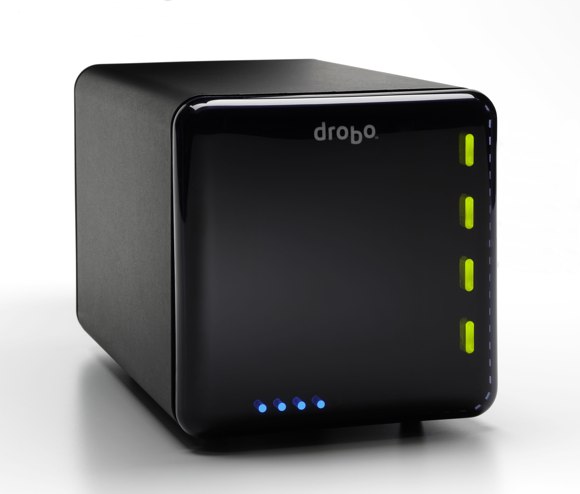
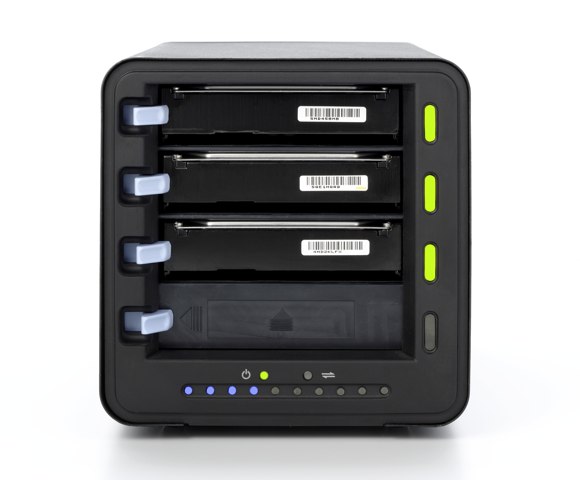
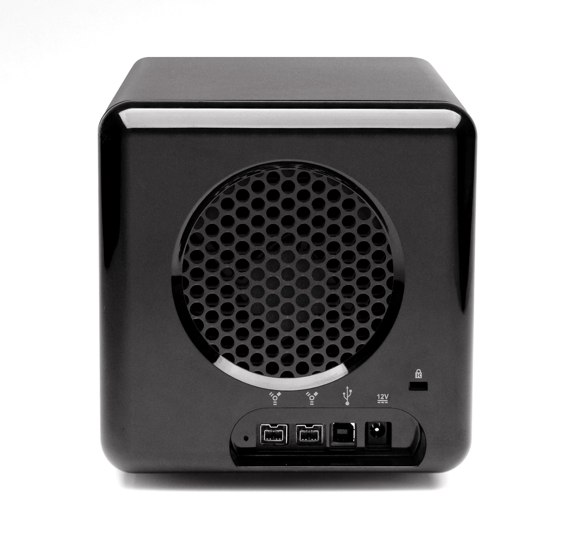
I’ve had a second gen Drobo for about a month and I thought I’d share my thoughts on the device. I put in four two Terabyte drives in it. I run it connected to a 3.06 GHZ 24 inch iMac with 4GB of ram on Mac OSX 10.5.7 using Firewire 800. I haven’t dumped all of my media onto it yet but I’ve played around with it enough to know whats up.
What is a Drobo?
According to Wikipedia:“Drobo is a data storage peripheral which interfaces up to four 3.5″ SATA hard drives with a computer via High-Speed USB 2.0 or FireWire 800 (2nd generation only). It is primarily designed to allow installation and removal of storage devices without requiring manual data migration, and also for increasing storage capacity of the unit without downtime.”
Who should buy one?
Anyone who creates lots of media and is constantly running out of storage. Shooting RAW photos and HD video eats up space like it’s going out of style. Cloud storage services like S3 would be much better for backup, unfortunately consumer ISP bandwidth is so slow its flat out unfeasible for large amounts of data. As an aside I tried to use one of these cloud based services (backblaze) and it told me it was going to take more than a year of non stop uploading to make the initial backup given my So until the day when we all live happily in the cloud local storage is the way to go. With that in mind the most flexible solution is a Drobo.
Things you should know:
The actual amount of storage you get is MUCH less than what the drives can store. This is because the system needs a big chunk of space in order to be able to move files around and secure the data. See ‘used for protection’ below:
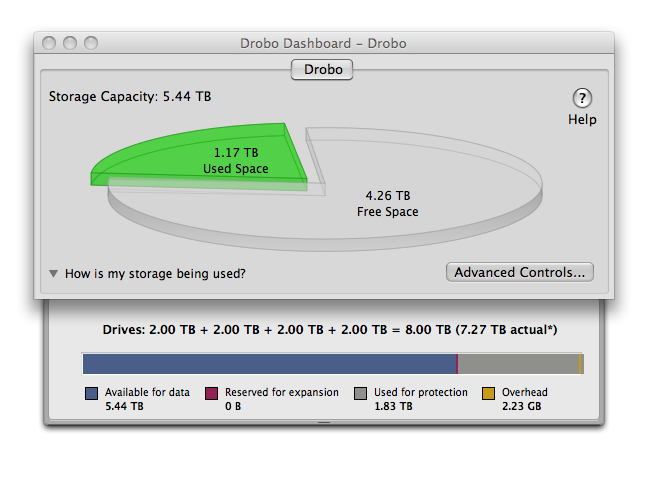
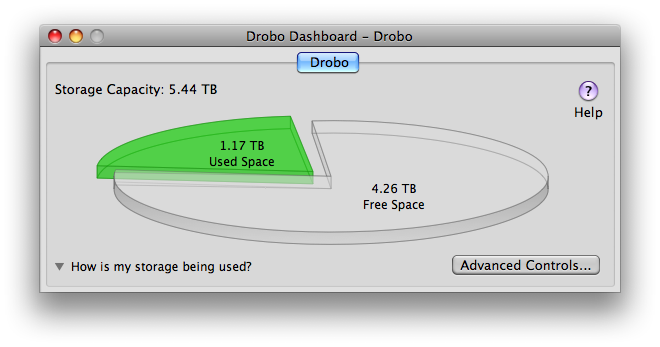
The Drobo comes with an app that is relatively unobtrusive. However it runs as a login/startup item by default so you see it every single time you reboot. Luckily you can easily disable it. Here it is:
Speaking of booting, this thing actually boots up like a computer. I thought this was bizarre because I’ve never had a peripheral boot up before. Depending on the size of your drives it can take quite some time to boot up.
Here is a screenshot of the dashboard ‘advanced’ control panel when it’s healthy:
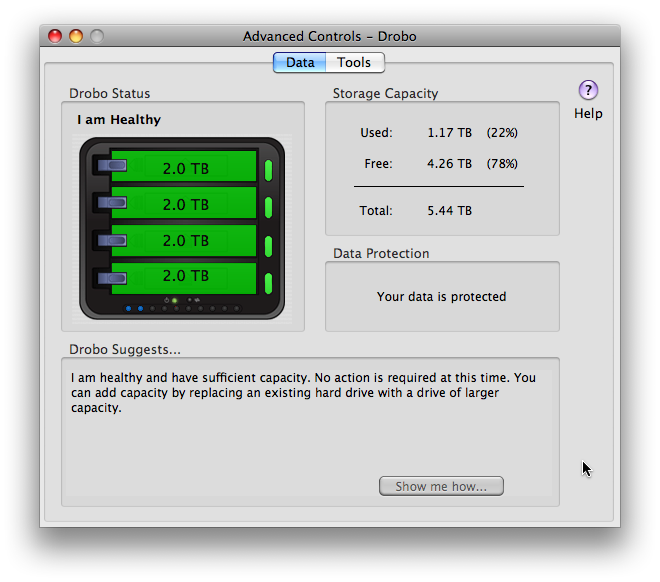
If you see anything other than green here you’ve got problems and you’ll need to do something about it. If you see red one of your drives is probably failing. My brother Jon Rawlinson got one and had a drive failure within a few days of owning it. Not sure if he lost data or not. Jon?
Something else you should know is that the Drobo will completely erase the drives you put into it when you first start using it. So you’ll have to migrate the contents of any drive you want to use before you insert the drive into the Drobo. On that note bear in mind that it only accepts SATA drives. So if your first thought was use that stack of old IDE hard drives on the shelf you’re SOL. Someone needs to make a Drobo like device for those old drives lying around.
Pros:
- Huge amount of space.
- Expandable.
- Hot swappable.
- Don’t need a bunch of external drives lying around.
- Easier than a traditional RAID.
Cons:
- You’ll probably just end up with more stuff to backup!
- It has to boot up and its slow to do so.
- If the drive goes to sleep it takes a while to wake.
- Has it’s own fan and it can be noisy when the drive is running hot.
- All your eggs are in one basket.
- For some reason it’s ass slow if you try to run Aperture off it.
Conclusion:
It’s a great device and has certainly given me peace of mind. The Drobo is far from perfect but I would recommend to anyone who needs a big chunk of storage.[Drobo on Amazon | Photo by blhphotography]